
Widgets help you organise the investment prospects in your sourcing board based on the mandate. Each widget pertains to a mandate in the board.
You can view the widgets available in theN8 sourcing board by following these steps:
Click on your desired dashboard from the My Sourcing Boards page
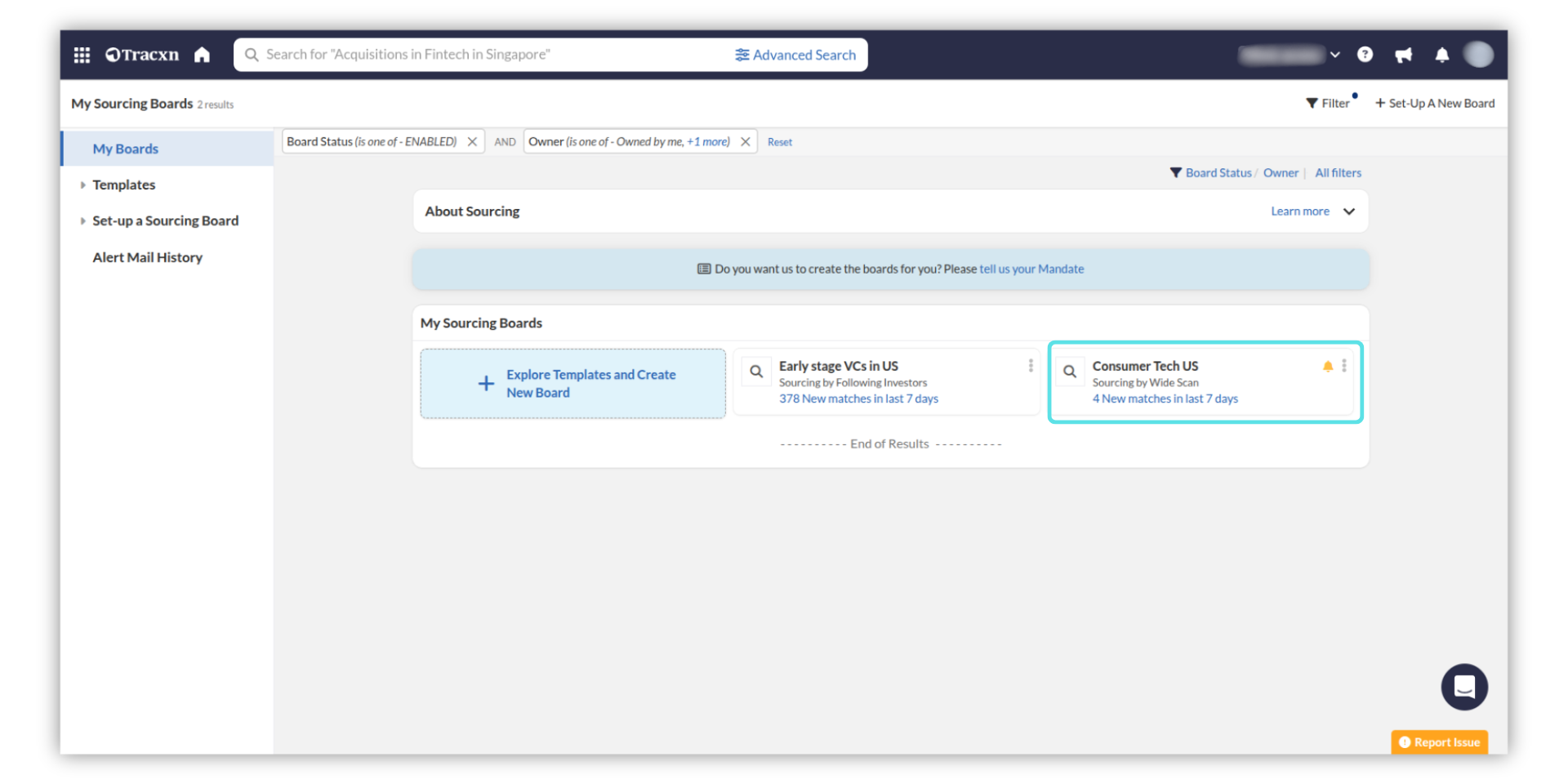
Widget page of the sourcing board opens by default. Each widget gives you a list of companies that match your investment mandate
-1770569100_80838f1584e9acc5b08ac73354db280dd10a9742b9f70a3e1e35e4048ada9e9d_dSUkEct2moZdWvMW1HO4zYdH8zkP5XGGATRdBbyyzljfEkLF1IWlCSEaVcdDutBNNHa2Ss5MaQ4.png)
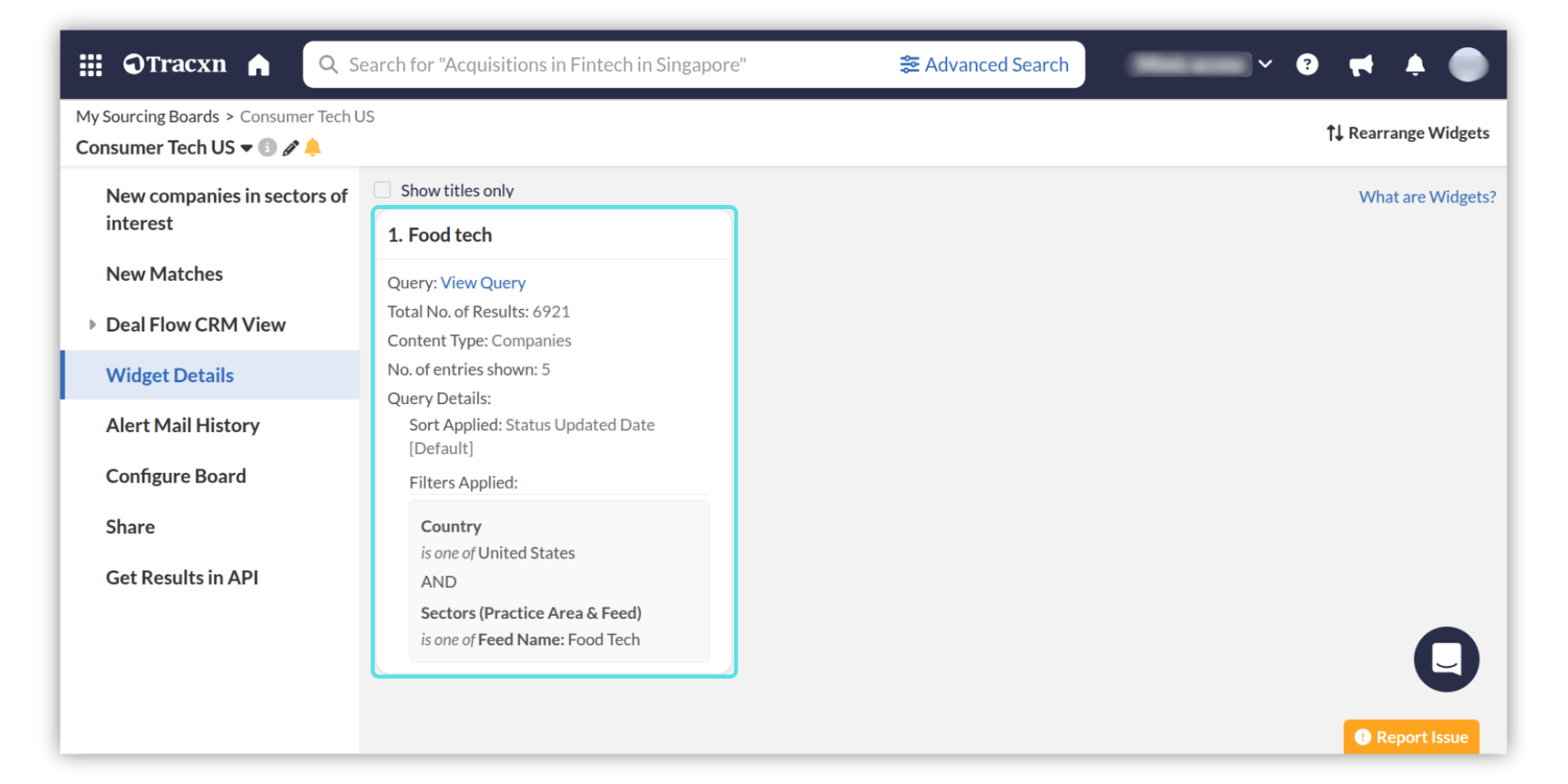
The "Widget Details" page gives you the list of all available widgets in a board along with the search query behind the widget. You can view the details of a widget such as query details, no. of results, etc.
To change the number of results in a widget, add more widgets, rearrange widgets, and bookmark companies in a board, check the articles below